
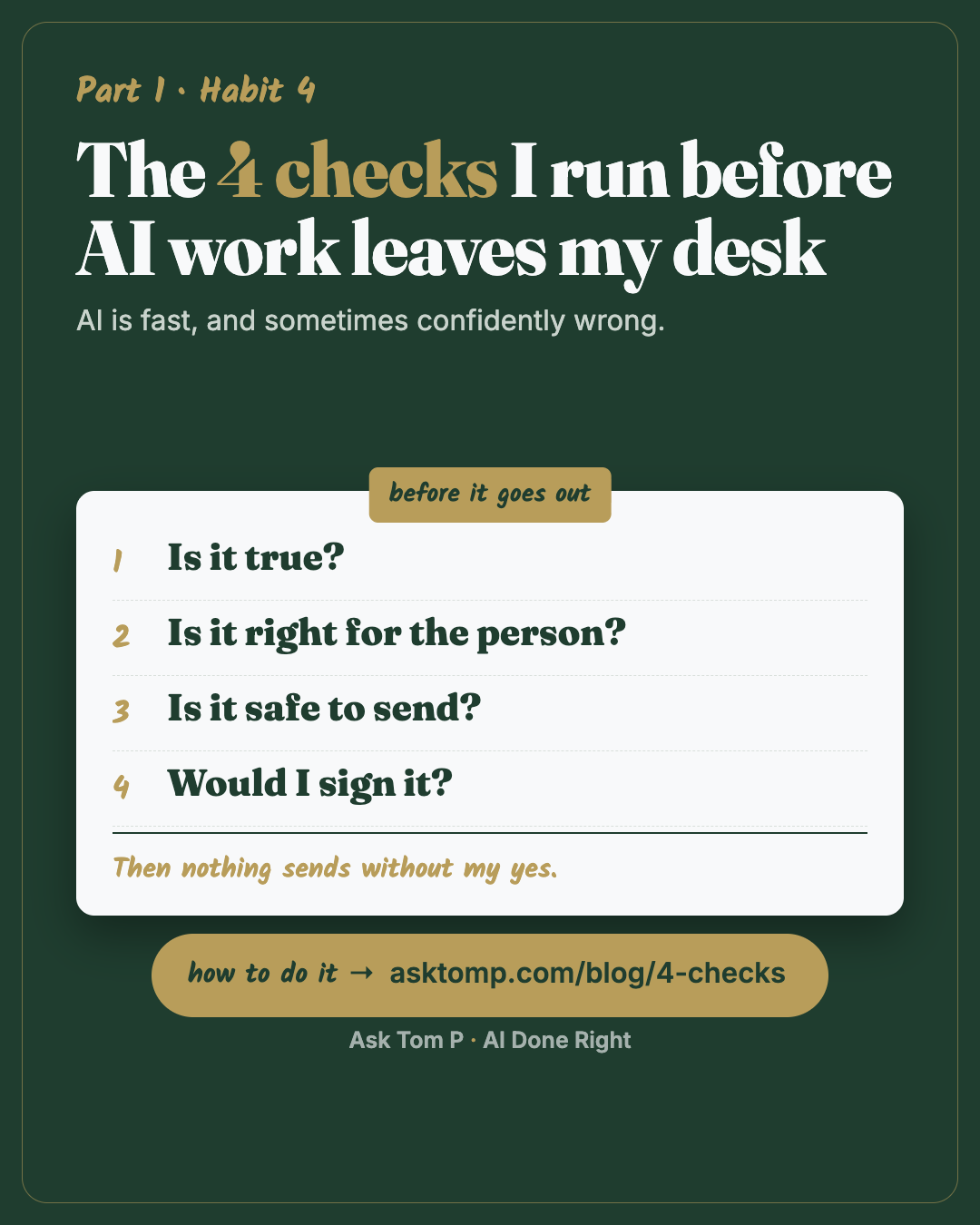
Save this one. It works the same in ChatGPT, Gemini, Copilot or Claude.
Why the check matters more than the speed
AI writes fast and sounds sure of itself. A wrong number looks exactly like a right one. A made-up fact reads as smoothly as a real one.
Here's what my read-through catches most. It gets the context wrong, because I left out a fact and it filled the gap. Or it writes in the wrong tone: too harsh, or too soft. The place I've caught that most is a message to my team. The words were fine on paper and wrong for the person reading them.
That matters more when you're far away. I run my company from about 370 miles out, and my words are often all my team or a client sees of me that day. They have to be right.
My top rule with AI, written in my standing note: never send, post or publish anything without my yes. The AI drafts, shows me the final version, and waits. I'm the yes.
Here are the four checks I run before I give it.
What a check catches
Test data: ZZ TEST 9804, made-up names, money shown as placeholders.
The ask: "Write a follow-up to the owner on ZZ TEST 9804 about the kitchen estimate. Use my notes."
My notes: ZZ TEST 9804, owner Sam. Kitchen, $1X,XXX. New cabinets and paint. Keep the existing counters. Start date set once the cabinets are ordered.
What came back:
example
Hi Chris, thanks for walking the kitchen with us. Your estimate comes to $1Y,YYY and covers new cabinets, paint and new quartz counters. We can start in two weeks.
It reads fine. It has five mistakes.
After check 1, "Is it true?":
example
- "Chris": your notes say Sam. Doesn't match.
- "$1Y,YYY": your notes say $1X,XXX. Doesn't match.
- "new quartz counters": your notes say keep the existing counters. Doesn't match.
- "start in two weeks": not in your notes.
- "thanks for walking the kitchen with us": not in your notes.
The fixed version:
example
Hi Sam, your kitchen estimate is $1X,XXX for new cabinets and paint. We're keeping your existing counters. We'll set a start date once the cabinets are ordered.
Want me to send this, or change anything first?
Two minutes of checking. And it still waits for a yes.
Swap the estimate for a quote you're sending a customer, a status update to your manager, or a note to a parent group. Same five ways to be wrong.
The 4 checks
1. Is it true?
Every number, name, date and fact, checked against the source: your notes, the estimate, the email you're answering.
Paste this:
Check every number, name, date and fact in your draft against the source I gave you. List each one with: matches, doesn't match, or not in the source. Don't fix anything yet.
Anything marked "not in the source" is a guess. Cut it or confirm it.
A legal draft of mine once read "ten percent (12%)". Two numbers on one line, and each looked right until you read them together. Now words and numerals get checked against each other before anything with money in it goes out.
2. Is it right for the person?
The right name, the right tone, and an answer to what they actually asked. This is the one that catches the too-harsh, too-soft problem.
Paste this:
Read my original ask again. Does this draft answer what the person asked, use the right name, and sound the way I would say it to them? List anything that misses, including tone.
Example: a customer asks "When are you back on site?" and the draft explains the delay for three paragraphs with no date. That fails.
3. Is it safe to send?
Nothing private, nothing that shouldn't leave.
Paste this:
Before this goes out, list anything in it that's private or internal: names, money, addresses, account numbers, or anything meant only for my team.
Example: you paste in a team chat to write a client update, and a line about a crew problem comes along for the ride.
Same check on the way in: don't paste a client's name or a real number into the chat to begin with. Test copies, roles not names.
The night I published the first version of this site, four short clips of my apps showed a real lead's details and my team's names. I caught it on the read-through that night and pulled them before anyone else noticed. Same check, pointed at my own work. It is the one I almost skipped because I was excited.
4. Would I sign it?
Ask it to argue against you. AI tends to agree with whoever is asking, so tell it to push back.
Paste this:
Argue against this. Give me the three strongest reasons it's wrong, weak, or will land badly with the person reading it. Don't be nice.
I take this one further. I keep a separate chat I call the strategist: a skeptic whose only job is to poke holes in my ideas before I spend time or money on them. It never builds anything. It just argues. A brainstorm goes there first, so a good idea on a Tuesday doesn't derail the work already running.
If I could keep only one of the four checks, it's this one. Would I sign it? If I can't say yes, it doesn't go.
The catch I remember most: a report that said done, with the proof attached. The proof was a failing test, and the time limit on that test had been raised from 8 seconds to 20 so it would pass. Everything on the screen was green. I would not sign it, and it did not go. "The gate is worth what it costs" went into my notes that day.
Run the 4 checks (Beginner, 10 minutes)
1. Pick one real thing you're about to send, with at least one number or name in it.
2. Paste the draft and its source into one chat: your notes, the quote, the email you're answering.
3. Run the four prompts above, one at a time. Fix as you go.
4. Read it once yourself, out loud. The AI checks. You decide.
The four checks on one sheet: save the picture below, or download it as a PDF.
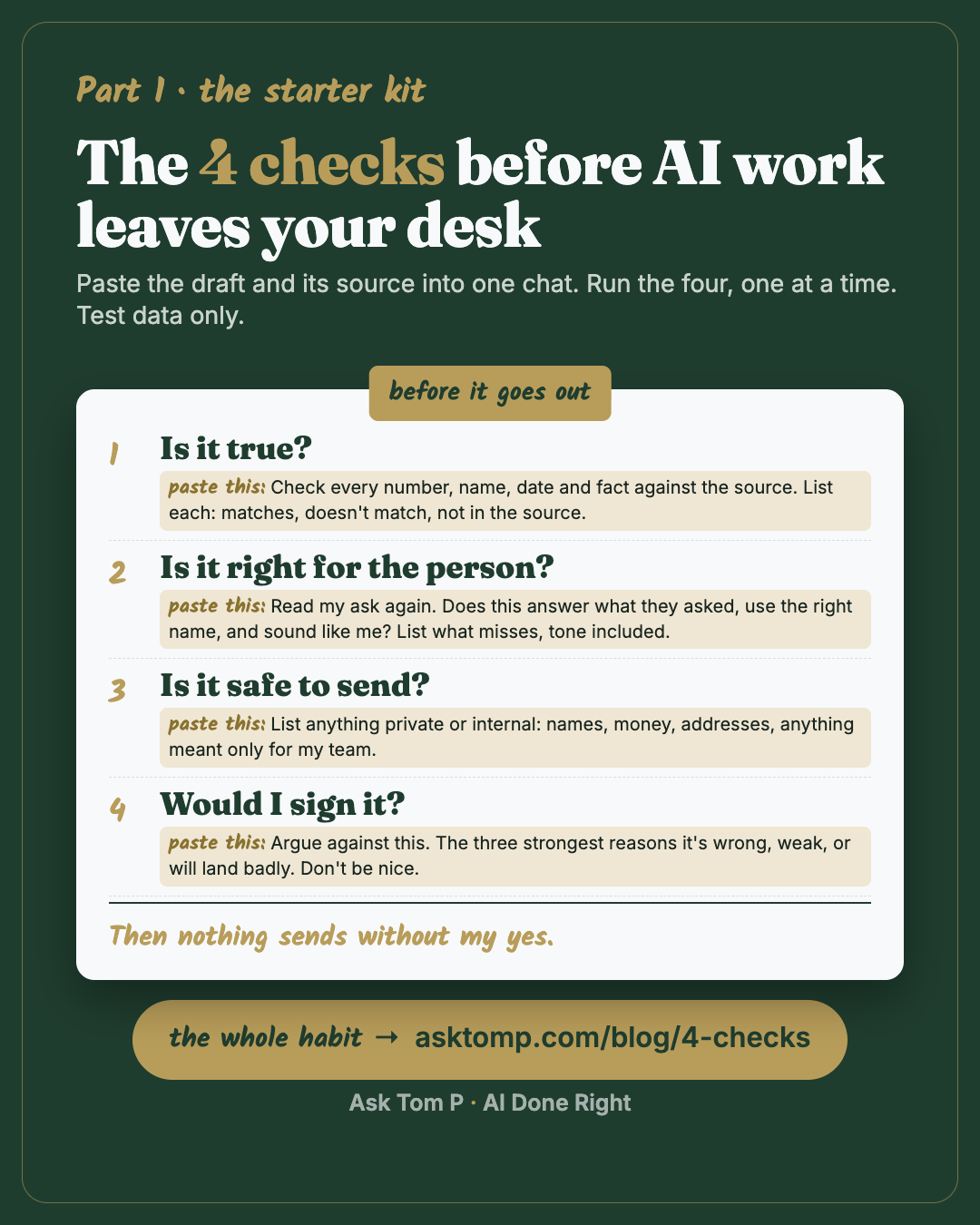
Save this one. It works the same in ChatGPT, Gemini, Copilot or Claude.
Nothing sends without your yes (Intermediate, 15 minutes)
1. Put the rule in your note. Add this line to the standing note you wrote in habit 1.
Paste this:
Never send, post or publish anything without my yes. Write drafts, show me the final version and wait.
2. If your AI can act for you, pick the mode that asks first. Some tools can now click, fill in forms and send for you. Mine is Claude, and I keep it set to ask before it acts.
- Claude in Chrome: in the permission drop-down on the chat box, choose Manually approve (it used to be called Ask before acting). Claude asks before each action. Check yours, because it isn't always the default.
- ChatGPT agent: OpenAI's help page says it pauses for confirmation when needed and asks you to confirm high-impact actions. Watch it anyway.
- Other tools: look in settings for words like approve, confirm or ask first.
Both of the named settings were checked on Oct 27, 2026, and both change; the words to look for are approve, confirm or ask first.
No setting replaces you reading it.
Make a checker you can reuse (Advanced, 20 minutes)
1. Save the checks once.
Paste this:
Write a short checker I can reuse. When I paste a draft and its source, run four checks in order: is it true, is it right for the person (including tone), is it safe to send, and the strongest case against it. Give me a list of what to fix. Don't rewrite the draft.
Save it as a Project or saved instructions in your tool.
2. Check in a fresh chat. The chat that wrote the draft tends to defend it. A second chat with one job, arguing, catches more.
3. Note what it catches. When the same mistake shows up twice, add a line to your standing note.
Common mistakes
Asking "Is this right?" It will say yes. Ask it to check against the source and list what doesn't match.
Only checking what looks wrong. Made-up facts look right. Check every number and name.
Turning off ask-first to save clicks. The clicks are the point. One wrong email under your name costs more than a month of clicking yes.
Questions people ask
Can't AI just check its own work?
How long do the four checks take?
My AI can't send anything. Do I still need the yes rule?
How do I fix the tone when AI sounds too harsh or too soft?
Won't arguing against myself slow me down?
Any tool
This works the same in ChatGPT, Gemini, Copilot or Claude. The four checks are plain prompts. Only the ask-first setting differs, for tools that can act for you. Look in settings for words like approve or confirm. If you can't find one, keep it to drafts.
The Claude in Chrome and ChatGPT agent settings were checked against their help pages on Oct 27, 2026. They change; if yours looks different, search the app's help for "approve" or "confirm."
Next
That's Part 1. Four habits, one kit, one exercise. Go to the Part 1 page, do the exercise, and keep the kit beside your real work. Part 2 is next: rules before tools.
It's a marathon, not a sprint. One step today.